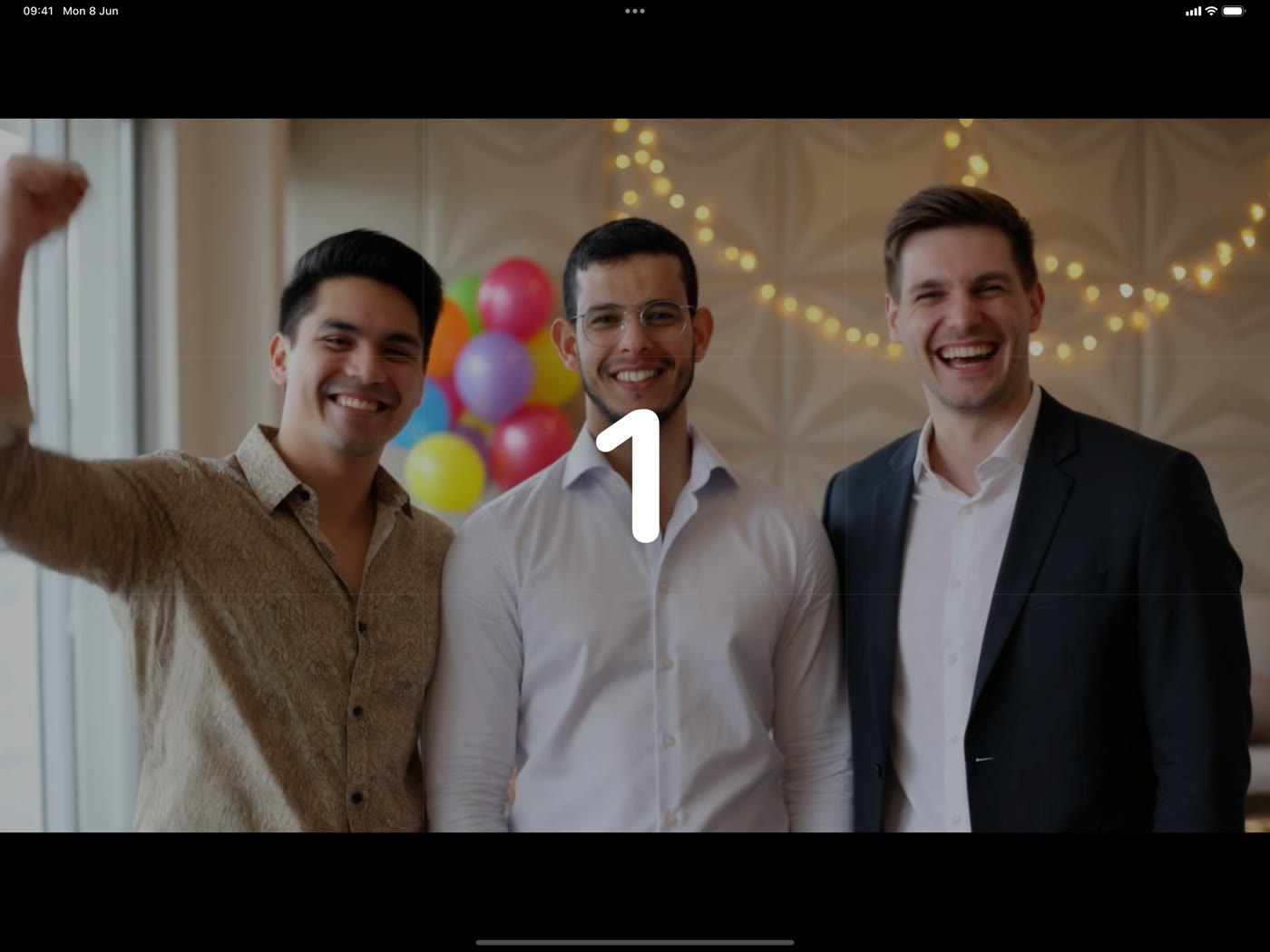
Capture anything
Photos, multi-shot strips, video, and boomerangs with a live countdown — using the iPad camera or a Canon DSLR.
Photo booth for iPad
Capture photos, boomerangs, and video, brand them with custom templates, and let guests take their memories home instantly — by print or QR code.
Free to try · Cancel anytime
Built for event photographers, studios & hosts
The booth
Soura Booth turns any iPad into the booth — set it on a table, a stand, or a sleek standalone booth like this one. The technology disappears, and the fun takes over.
From the first shot to the final print — all in one app.
Photos, multi-shot strips, video, and boomerangs with a live countdown — using the iPad camera or a Canon DSLR.
Custom print templates, your own branding, and pro filters including on-device skin smoothing and film color grades.
Instant prints, QR codes, AirDrop, and encrypted cloud links — online or fully offline.
Set up in minutes, run all night.
Pick a layout, add your branding, and choose your camera and printer.
Guests tap to start, the countdown rolls, and the booth captures every shot.
Apply filters and frames, then drop the photos into your template.
Print instantly or let guests scan a QR code to take their photos home.
Connect a Canon EOS over USB-C for crisp, professional images with live preview and full exposure control. Used and tested with the Canon EOS R100.
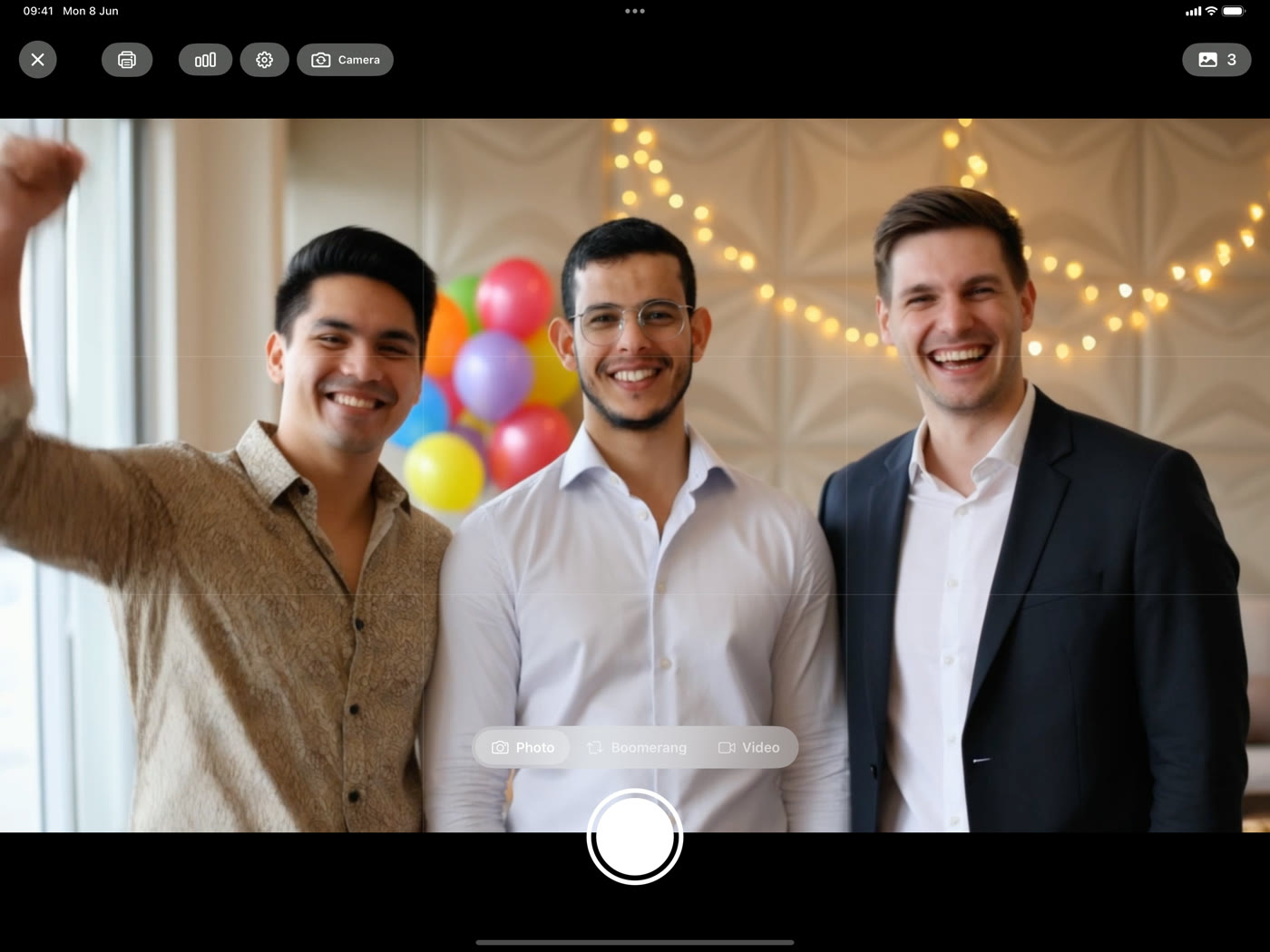
Photos are encrypted on the iPad before they're uploaded — we can't read them. Or share instantly over your own Wi-Fi with no internet at all.
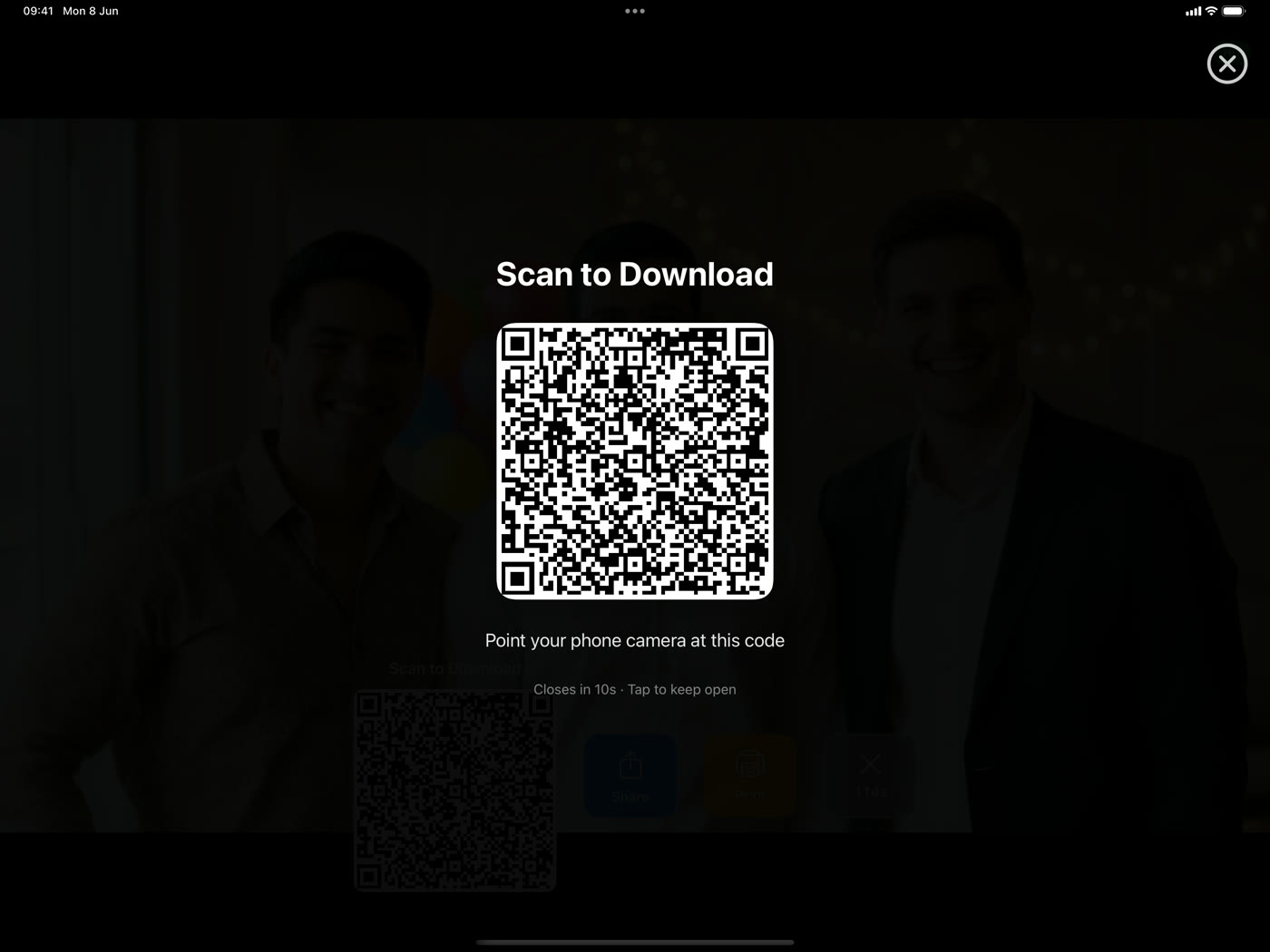
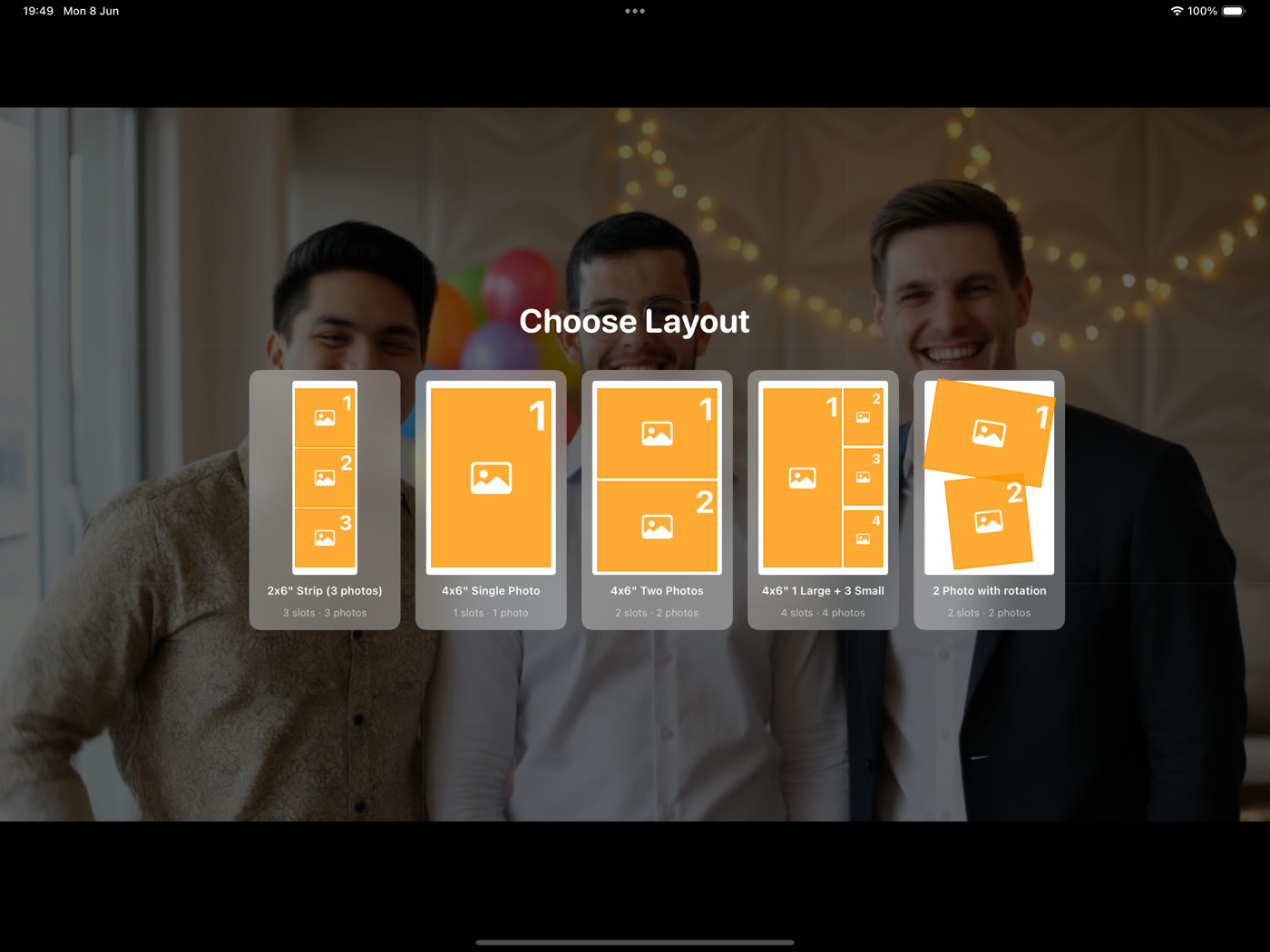
Start from built-in layouts or design your own in the in-app creator or the free web editor. Add your logo, event name, colors, and text.
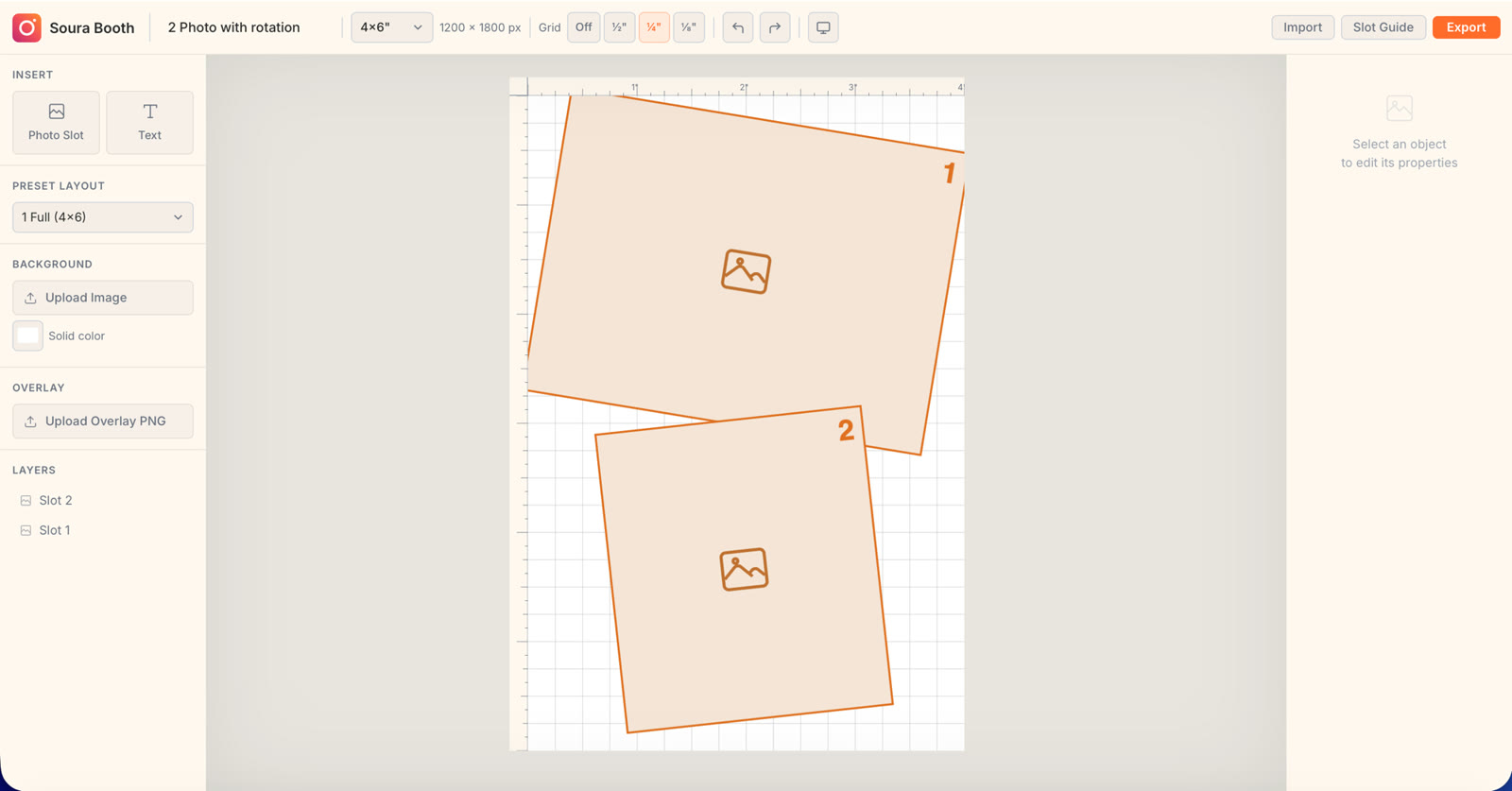
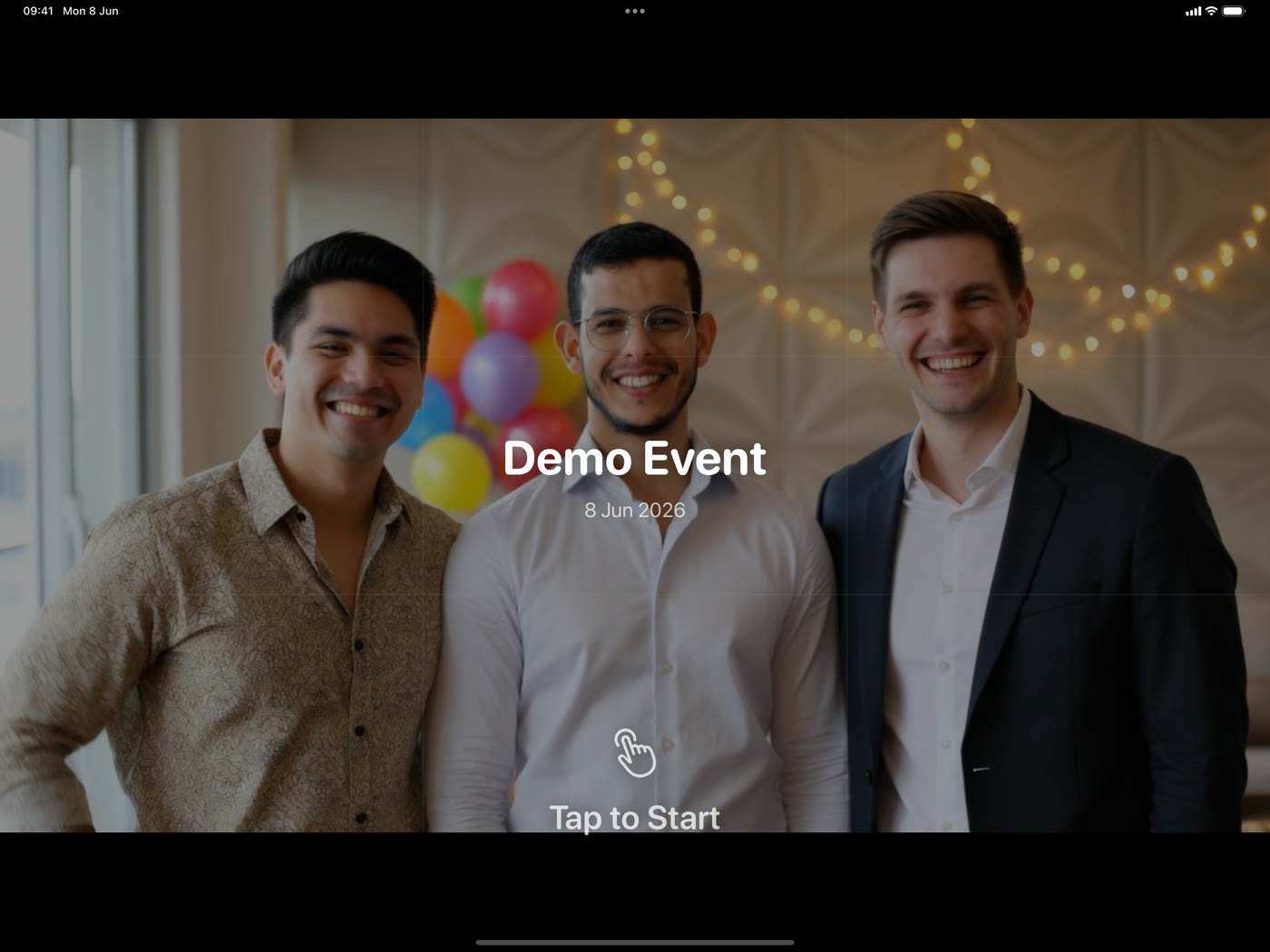
Kiosk mode locks the iPad to capture-only, with guest name entry, countdown, and a PIN-protected admin menu. Set it up and let the party run itself.
One app, every kind of celebration.
Give every guest a printed keepsake and the couple a gallery of candid moments.
On-brand overlays, instant sharing, and a polished booth that fits your activation.
Run multiple booths and events, manage your devices, and keep branding consistent.
Birthdays, graduations, and get-togethers — fun filters, boomerangs, and instant prints.
The details that separate a real booth from a phone camera.
Start free. Upgrade when you're ready.
Free
Try it out at no cost.
Get started3 days free
then €9.99/mo
For solo hosts and small events.
Get started€14.99 /mo
€19.99 /mo
For working photographers.
Get started€29.99 /mo
€39.99 /mo
For studios and teams.
Get startedIntro offers are for new subscribers and billed monthly (pay-as-you-go). Cancel anytime in your Apple Account settings.
A free plan is available — exports include a small watermark.
Annual billing is available — save with a yearly plan.
No. You can run the booth and share photos completely offline over your own Wi-Fi. Encrypted cloud sharing is optional and only used when you turn it on.
Yes. On the Pro and Business plans you can connect a Canon EOS camera over USB-C. Soura Booth is used and tested with the Canon EOS R100.
Yes. Soura Booth prints to any AirPrint printer, with auto-print, multiple copies, borderless output, and cut marks for 2×6 strips.
Photos are encrypted on your iPad before they're uploaded, and the key only travels inside the QR link — so no one but the guest, not even us, can open them.
The Starter plan covers one device, Pro covers three, and Business covers ten. You can manage your active devices right in the app.
Yes — Soura Booth is free to use with a watermark on exports. Paid plans unlock watermark-free exports and more, are billed through the App Store, and can be cancelled anytime.
Download Soura Booth and run your first event today.