How Photo Booth QR Sharing Keeps Guest Photos Private
The best part of a photo booth is watching guests post their pictures before the night is even over. A QR code makes that instant — but it also raises a fair question: where do those photos actually go, and who can see them? With Soura Booth the answer is simple. Photos reach your guests in seconds, and they're protected by end-to-end encryption so private that not even we can open them. Here's how it works.
What QR sharing looks like for your guests
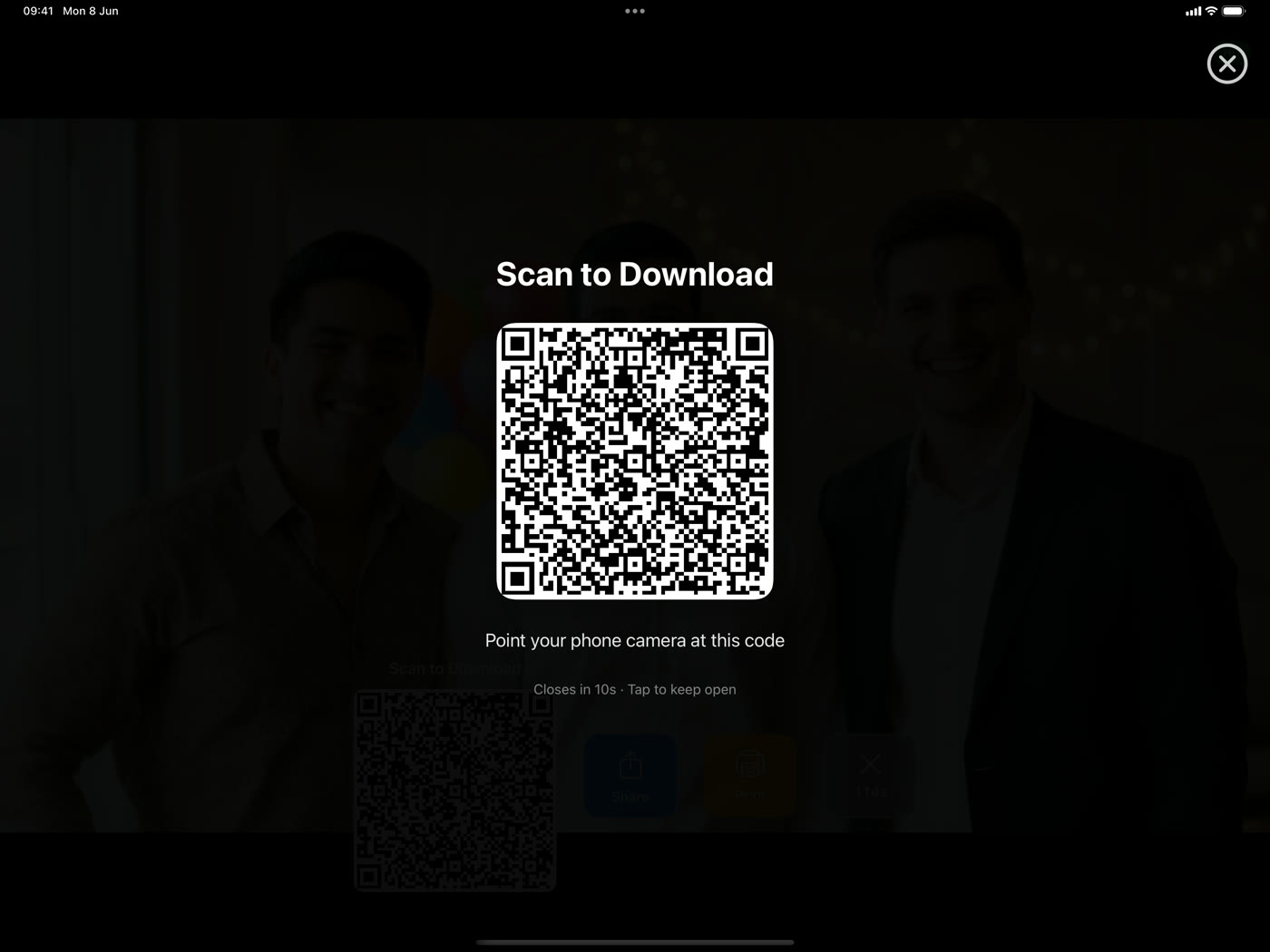
After each session, the booth shows a QR code on the review screen. A guest points their phone camera at it, taps the link, and their photo (or video, or boomerang) opens right on their phone, ready to save and share. No app to download, no account to create, no typing an email address — it just works, which is exactly why guests actually use it.
Two ways to share — and both keep photos private
Local Wi-Fi sharing (fully offline)
If your venue has no signal, you don't need one. Soura Booth can share over your own Wi-Fi, where the photo travels straight from the iPad to the guest's phone and never touches the internet. Nothing is uploaded anywhere — the picture stays on your local network the entire time. It's the most private option there is, and it works in a basement ballroom with zero bars.
Encrypted cloud sharing
When you do want guests to grab their photos from anywhere — after they've left, on the train home — you can turn on cloud sharing. This is where end-to-end encryption comes in, so the convenience never costs you privacy.
What "end-to-end encrypted" really means here
End-to-end encryption is a promise that only the people at the two ends — your booth and your guest — can read the photo, and no one in between can. With Soura Booth that's not a policy we ask you to trust; it's how the system is built:
- The photo is scrambled on the iPad first. Before anything is uploaded, the image is encrypted right on your device, so it leaves as unreadable data.
- The key rides inside the QR link. The secret needed to unlock the photo is tucked into the end of the QR link — in a part of a web address that browsers are designed never to send to any server. So the key only ever exists on your iPad and, after a scan, on your guest's phone.
- The guest's phone does the unlocking. When they scan the code, their own browser fetches the scrambled file and decrypts it locally, using the key from the link.
Put together, this means our storage only ever holds scrambled data. We never receive the key, so we can't open your guests' photos — and neither can anyone who might breach the storage. It's the difference between "we promise not to look" and "we're not able to."
Photos and videos, both protected
This isn't just for stills. Photos, videos, and boomerangs all go through the same encryption before they're shared to the cloud, so every keepsake your booth produces gets the same protection.
Your photos don't live online forever
Privacy isn't only about who can read a file — it's about how long it sticks around. Anything shared to the cloud is automatically deleted after 7 days. Guests get a generous window to save their photos, and after that the encrypted files are removed for good. Nothing lingers on a server indefinitely, and there's no archive of your event sitting somewhere waiting to be forgotten.
Store data in your region
For cloud sharing you can choose where the encrypted files are stored — Europe, North America, or Asia-Pacific — so your event's data stays in your part of the world. Combined with the 7-day auto-delete and end-to-end encryption, it makes Soura Booth a comfortable fit for privacy-conscious events and clients who ask the hard questions.
Frequently asked questions
Can Soura Booth see my guests' photos?
No. With local sharing the photos never leave your network, and with cloud sharing they're encrypted on the iPad before upload — the key never reaches us, so we have no way to open them.
Do guests need an app or an account?
Neither. They scan the QR code and the photo opens in their phone's browser. That's the whole flow.
What happens if the venue has no internet?
Local Wi-Fi sharing works completely offline, so guests still get their photos instantly. For a full event walkthrough, see our wedding photo booth guide.
Give guests their photos — privately
Run a booth that shares in seconds and keeps every photo end-to-end encrypted. Download Soura Booth and try it at your next event.
Get Soura Booth on the App StoreMore guides: explore the Soura Booth blog or head back to the homepage to see everything the app can do.